
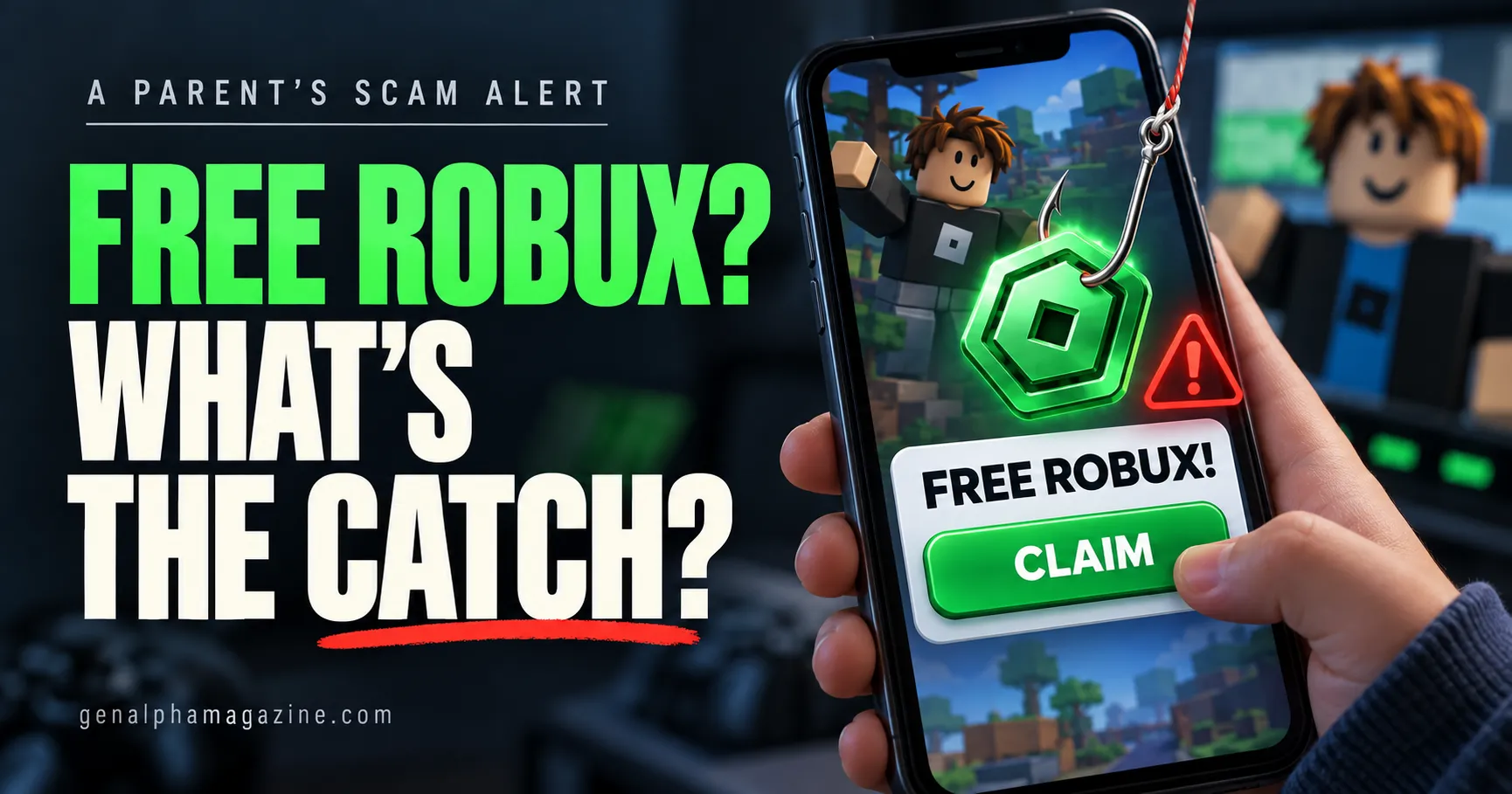
“Someone said they can give me free Robux. I just have to click this link.”
It sounds like a small gaming question. Before you answer, ask your child to show you the message without opening anything.
Free Robux scams use something children want to get something valuable in return: account access, personal information, money, or downloads onto their device. The promised reward is the bait.
Roblox says there is no legitimate Robux generator. An offer that asks your child to use one should be treated as a scam, even if a video shows it “working.” Roblox’s official guidance warns against these offers and suspicious links.
Here is how to explain the catch without making your child feel foolish for asking.
Table of Contents
Why Free Robux Offers Get Children’s Attention
Robux is Roblox’s virtual currency. Players can use it for purchases within the platform, so an offer of thousands of Robux can feel exciting.
Imagine this situation: a child wants an avatar item, has used their gaming budget, and sees a comment promising enough Robux to buy it. A countdown says the offer ends soon. Other comments claim they received their reward.
That combination gives the child several reasons to act before checking.
A useful question for parents is: “What are they asking you to do before you get it?”
The answer often reveals more than the promised amount.
For a broader introduction to the platform, read Is Roblox Safe for Kids?.
What Is the Catch Behind a Free Robux Offer?
Different offers ask for different things. These warning signs should end the conversation with the sender.
| What the offer asks your child to do | What could be at risk |
|---|---|
| Sign in through a link in a message | Their login details |
| Share a security code or approve a login | Access to their account |
| Complete surveys with personal details | Their privacy |
| Install an app, extension, or “generator” | Their device and account security |
| Pay a small “unlock” or “verification” fee | Real money |
| Send an item first and trust a promised reward | Their virtual items |
| Keep the offer secret or move to another chat | Their ability to get adult help |
The examples below explain how to respond.
1. A Fake Login Page Wants Their Password
An offer might say your child must sign in to claim a prize. The linked page may copy Roblox’s colors and layout.
The danger is entering account details into a page controlled by someone else.
Teach your child to close the message and open the official Roblox app themselves. A familiar logo, a polished page, or a padlock beside a web address does not prove an offer is genuine.
Roblox also warns against login forms placed inside experiences. A game should not ask your child to type their Roblox password into an in-game reward form.
2. A “Verification” Request Wants Account Access
Some messages say, “I don’t need your password. Just send the code.”
That does not make them safe.
A one-time login code can be used to sign in. Roblox says it will never contact users to ask for that code.
Another request might tell your child to enter someone else’s code into Quick Login or approve a login to receive Robux. Quick Login is an account-access feature, not a prize-claiming step. Roblox specifically warns users to enter only codes they requested.
Family rule: never share login codes or approve access for a reward.
3. A Survey Wants Personal Information
A reward page may ask for an email address, phone number, date of birth, or other details under the label “human verification.”
Pause before completing any form. Ask why a stranger needs those details to give away game currency.
Roblox identifies surveys as one way users can be tricked into sharing login information. A child should not keep filling out forms simply because a page promises that the next one will unlock a reward.
4. A Download Wants Access to the Device
A “Robux tool” might ask your child to install software or a browser extension.
Roblox warns that malicious downloads can collect information such as passwords. Its security guidance also states that Roblox does not make official browser extensions.
Do not install a tool because a stranger, creator, or comment thread recommends it. Ask your child to check with you before downloading anything connected to a reward.
5. A Small Fee or “You Go First” Deal Wants Something Valuable
An offer may promise a large reward after a small payment. Another may ask your child to hand over an item first.
Explain that promises do not protect what they send.
Roblox warns against unofficial deals, including arrangements where one person must go first and trust the other. It cannot enforce deals made outside its supported systems.
A “verification fee” is also a reason to stop. Do not send money to unlock a stranger’s promised prize.
What If the Offer Comes From a Friend?
A familiar username is not enough to verify a link.
Your child’s friend may have forwarded something without checking it. Someone else may also be using the account.
Suggest checking with the friend through a separate, trusted route. Even then, the same rules apply: no shared passwords, no login codes, no reward downloads, and no payments to claim a prize.
Your child can say:
“I’m not opening reward links. I’ll check with my parent.”
They do not need to argue with the sender or prove the offer is fake.
Are All Robux Gifts Scams?
A gift from a known family member is different from a stranger advertising a generator.
Roblox documents legitimate ways to purchase Robux and ways eligible creators can earn it. A parent can also arrange a genuine gift card from a trusted retailer.
The important distinction is the process.
A birthday gift does not require giving someone your password. A legitimate purchase does not require installing an unrelated extension. Creator earnings involve actual creation and platform rules, rather than a website generating unlimited currency.
If someone claims an offer is official, check independently through Roblox’s own channels. Do not use the sender’s link as the proof.
My Child Already Clicked. What Should I Do?
Start with: “Thank you for telling me. Show me what happened.”
Then find out whether your child only opened a page, entered information, approved access, downloaded something, or paid. A click alone does not prove the account has been stolen.
If They Only Opened the Page
Close it. Do not continue with forms, downloads, payments, or permission requests.
Check whether anything downloaded or any browser permission was allowed. Keep the message details so you can report the offer.
If They Shared a Password, Code, or Login Approval
Treat it as a possible account compromise.
Using a trusted device:
- Open Roblox directly and change the password.
- Review account sessions and sign out other sessions.
- Check that the recovery email and phone details still belong to your family.
- Set up or review two-step verification.
- Change the password anywhere else it was reused, especially on email.
Do not share backup codes, browser cookies, or screenshots of sensitive account settings with anyone offering to help.
If They Installed Something
Stop using the suspected device for sensitive sign-ins until it has been checked.
Remove the suspicious software or extension and run a trusted security scan. Roblox’s recovery guidance recommends removing harmful downloads before recovering an account, because they could expose it again.
If necessary, use another trusted device to secure the account while you arrange help checking the affected one.
If Money, Robux, or Items Are Missing
Review transaction records and contact Roblox Support promptly. If real money was charged, a parent should also contact the relevant payment provider about unauthorized charges.
Roblox does not guarantee restoration of accounts, currency, or inventory. Its compromised-account guidance says users seeking assistance must contact it within 30 days of the compromise.
Save relevant usernames, messages, receipts, and dates. Do not pay someone who promises to “hack back” the account.
How to Report a Free Robux Scam
Use Roblox’s Report Abuse tools for the relevant message, user, or experience. Where possible, report the specific content so the report has context.
If the offer appeared on another platform, report it there too. Block the sender after preserving useful details.
For account access problems, go directly to Roblox’s official recovery guidance. Avoid recovery links sent by strangers.
Give Your Child One Simple Rule to Remember
Try this:
“Before claiming a reward, stop and show me. Never share a password or code, approve a login, download a tool, or pay to receive a prize.”
Practice with a pretend message. Ask your child what they would do if it came from a friend, had hundreds of positive comments, or said they had only one minute left.
Make asking for help part of the rule. If every mistake leads to an immediate ban, your child may find it harder to tell you about the next problem.
Our guide to how to keep children safe online covers more ways to build these conversations. You can also read What Is Digital Parenting? for practical family habits.
Frequently Asked Questions
Is there a real free Robux generator?
No. Roblox says Robux generators do not exist. Treat websites, videos, and experiences promoting them as scams.
Can someone take an account without knowing the password?
Yes. Login codes, approved sign-in requests, and exposed session information can put account access at risk. Protect those as carefully as a password.
Does sharing a username mean the account is hacked?
A username alone is not the same as a password or login code. However, a reward page asking only for a username may request more information later. Do not continue through its steps.
Should I ban Roblox after a scam attempt?
First, address what happened and secure anything at risk. Then decide whether settings, supervision, or access need to change. Thank your child for speaking up before discussing consequences.