
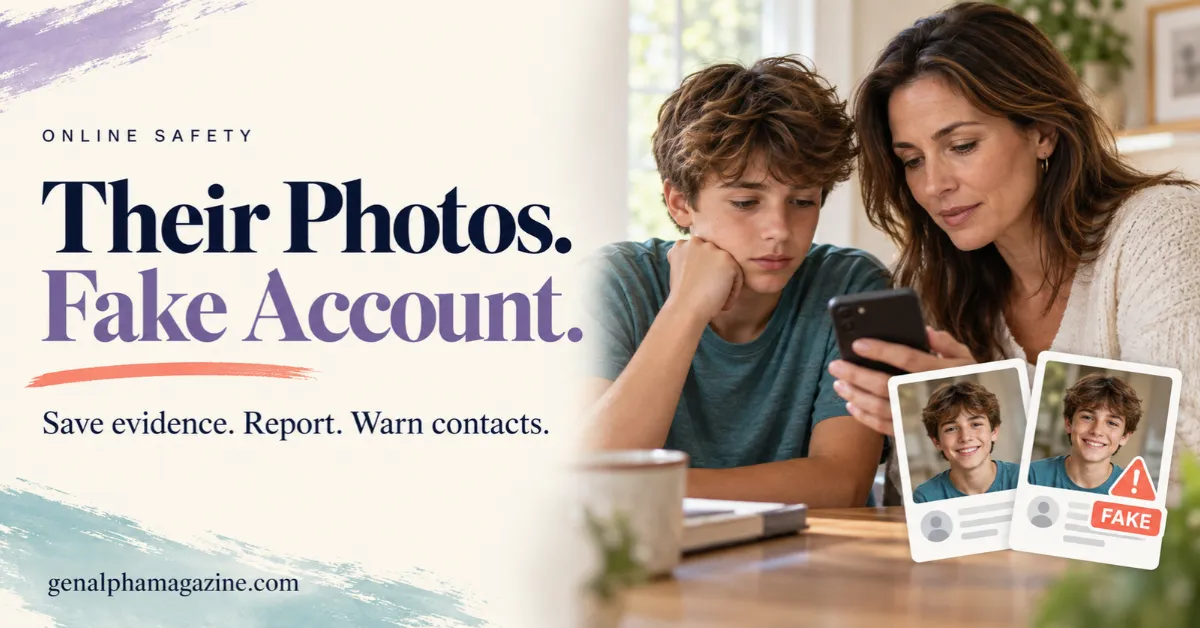
A fake account using your child’s photos can look convincing enough to fool friends, classmates, and relatives.
It might copy their name and profile picture. It might claim to be a backup account. Sometimes, it starts sending messages before your family knows it exists.
Your first instinct may be to confront whoever created it or post a warning everywhere. Before doing that, take a moment to protect your child and preserve useful information.
The main steps are to save appropriate evidence, report the impersonation, warn affected contacts, and check whether your child needs additional protection.
If someone is making threats or your child is in immediate danger, seek urgent help rather than waiting for the platform to respond.
Table of Contents
Start by Reassuring Your Child
Your child may be worried that people will believe the fake posts. They may also fear losing their phone or being blamed for sharing photographs.
Begin with something clear:
“Thank you for telling me. Someone else chose to misuse your photos. We’ll deal with this together.”
Ask what they have seen and whether anyone has contacted them about it. Let them explain without repeatedly reopening upsetting messages.
Avoid demanding that they immediately identify the person responsible. A familiar username or school-related detail is not proof of who created the account.
Your child does not need to solve the mystery before getting help.
Check Whether It Is Impersonation or a Hacked Account
A copied profile and a compromised account need different responses.
| What you notice | What it may mean | First response |
|---|---|---|
| A separate account uses your child’s name and photos | Someone may be impersonating them | Preserve evidence and report the fake profile |
| Their existing account sends messages they did not write | Someone may have accessed their account | Use the platform’s official account-recovery process |
| Their photo appears under a different identity | Their image may be misused without direct impersonation | Report the image and explain the misuse accurately |
| Several copies appear across platforms | The impersonation may be spreading | Record and report each account separately |
A copied photo alone does not prove that your child’s account was hacked.
Images may have come from public posts, relatives’ accounts, school pages, or screenshots someone previously saved.
Ask your child privately whether they recognize the account. Do not assume they created it simply because it contains personal details.
Save Evidence of the Fake Account Using Your Child’s Photos
For ordinary, nonsexual content, capture evidence before reporting or blocking, if you can do so safely. Accounts, usernames, and posts may change.
The eSafety Commissioner recommends saving screenshots of an impersonating profile and reporting it through the platform.
Keep a simple record of:
- The platform and exact username.
- The profile’s full web address.
- Screenshots showing the profile and relevant nonsexual posts.
- Messages that demonstrate impersonation, harassment, or requests for money.
- Dates and times, including when your family discovered the account.
- Report confirmations and reference numbers.
Keep original screenshots unchanged. If you need a redacted version to share with someone, make a separate copy.
Store the record privately. Avoid putting it in a large parent group where your child’s details could spread further.
An important exception for sexual images
Do not download, screenshot, forward, or ask someone to send sexual images of a child, including AI-generated sexual images.
Instead, record the username, platform, URL, date, and time without copying the image. The NSPCC specifically advises against saving or sharing sexual deepfakes of children and recommends reporting them.
You can seek help without possessing a copy. The reporting options for sexual exploitation are explained below.
Report the Profile for Impersonation
Report the account itself, not only one photograph.
Open the profile’s reporting menu and look for the option that most closely describes the situation, such as impersonation or pretending to be someone else. The wording can vary by platform and app version.
Useful reporting routes include:
| Platform | Where to start |
|---|---|
| Use the profile’s report option or the Instagram impersonation report form | |
| Follow Facebook’s guidance for reporting an impersonating profile or Page | |
| TikTok | Follow TikTok’s impersonation reporting guidance |
| Other services | Open the service’s official Help Center and search for “report impersonation” |
Instagram provides a reporting route for someone authorized to represent the person being impersonated, such as a parent reporting for their child. TikTok also offers impersonation reporting through its platform and online reporting routes.
Explain what happened in plain language:
“I am the parent or legal guardian of the child being impersonated. This account uses my child’s photos and presents itself as their account. My child did not create or authorize it. The profile URL is [URL].”
Only include statements that match your situation.
Report threatening messages, harassment, or other harmful posts separately under the relevant categories. An impersonation report may not explain every type of harm.
If the platform requests identity verification, follow the instructions within its official process. Never send identification, passwords, or verification codes to the fake account or to someone offering removal through direct messages.
Warn Contacts Without Spreading the Harm
People who receive messages from the fake account need a clear warning. They do not need every upsetting detail.
Start with the people most likely to be affected. Use a communication channel they already trust, such as an existing family chat or a known phone number.
You could write:
“An account using [child’s first name]’s photos is pretending to be them. The username is [exact username] on [platform]. It is not their account. Please do not reply, click links, send money, or share personal information. If it contacts you, report it through the app and let us know privately. Please do not repost its content.”
For younger children, contact parents directly.
Avoid inviting people to confront the account or publicly accuse a suspected classmate. A warning should reduce confusion, not turn the incident into a wider spectacle.
If someone has already sent money or shared login details, encourage them to contact their payment provider or secure the affected account through official channels promptly.
Block the Account and Review Security
After preserving appropriate evidence and submitting reports, block or restrict the account. Your child should not have to keep reading its messages while waiting for action.
The eSafety Commissioner recommends using blocking and other protective tools after collecting evidence and reporting online abuse.
Review your child’s real account together. Check for unfamiliar logins, unexpected messages, or changes to recovery details.
If there are signs of unauthorized access, use the service’s official recovery process, change the password, review active sessions, and enable two-factor authentication where available. Check the linked email account too.
Changing a password will not remove a separate impersonating account. It addresses a different problem.
Our guide to keeping children safe online covers broader habits for protecting accounts and handling unwanted contact.
Tell the School When Classmates Are Involved
Contact the school if the account is messaging students, spreading rumors, or affecting your child’s school day.
Share a brief factual summary with a relevant staff member. Include the username, dates, and suitable nonsexual evidence.
Explain what support your child needs. That might include a trusted adult to check in with, help addressing classroom rumors, or a plan for responding to further harassment.
Do not circulate sexual images to teachers or other parents. Explain that such material exists and provide identifying details so the appropriate reporting process can be followed.
Ask how the school will protect your child’s privacy. A public discussion that makes them identifiable may increase their embarrassment.
When Should You Seek Additional Help?
Do not wait for an ordinary platform review if the incident includes credible threats, stalking, attempts to arrange a meeting, blackmail, or sexual exploitation.
For immediate danger in the United States, call 911. Elsewhere, use your local emergency number.
For suspected child sexual exploitation, U.S. families can report to the National Center for Missing & Exploited Children’s CyberTipline. This is a specialist reporting service for exploitation, rather than a general fake-account complaint service.
If sexual images taken when the person was under 18 are already on their device, NCMEC’s Take It Down may help limit sharing on participating public or unencrypted services. It creates a digital fingerprint without uploading the image.
Do not download or request an image to use Take It Down. It does not remove every copy from the internet, and families can contact the CyberTipline for additional support.
What If the Platform Does Not Remove It?
Keep the report reference and check the platform’s response through its official app or Help Center.
If a review or appeal option is available, explain what the first decision missed. Include specific evidence of impersonation, such as copied identity details or messages claiming to be your child.
Record new usernames or replacement profiles separately. Keep your child away from repeated checking by agreeing that an adult will handle necessary follow-up.
Do not pay someone who promises guaranteed removal or claims they can hack the account. Use official reporting routes and appropriate authorities.
Review Photo Sharing Without Blaming Your Child
Once the immediate situation is under control, review where your child’s photographs are visible.
That includes your own posts and those shared by relatives, schools, or clubs.
The American Academy of Pediatrics highlights how shared images can reveal identifying information, including location details and school logos.
Consider limiting audiences, reviewing followers, and removing unnecessary identifying details. Privacy settings can reduce exposure, but they cannot guarantee that nobody will copy an image.
Our smartphone rules for kids can help turn these changes into shared family expectations.
Keep the message clear: improving privacy does not make your child responsible for someone else’s behavior.
Frequently Asked Questions
Can someone impersonate my child if they do not have social media?
Yes. Someone could use photographs shared by relatives, schools, clubs, or other people. Explain in the report that your child does not own the account.
Should I message the person who created the fake account?
Avoid confronting or threatening them. Focus on preserving appropriate evidence, reporting, and protecting your child. Contact may lead to more harassment or give the person an opportunity to change the account.
How long does it take to remove a fake account?
There is no reliable universal timeline. Check the platform’s response and use any available review process. Seek additional help promptly if threats or exploitation are involved.
Should my child delete their real account?
Not automatically. Discuss what would help them feel safer. A temporary break, restricted messages, or tighter privacy settings may help. Deleting their real account does not itself remove the fake one.
Your child may remember your first response more clearly than the reporting process. Make sure they hear:
“You did the right thing by telling me. You do not have to handle this alone.”